Services and specialities
Describe repairs, maintenance, supported vehicle or equipment types, and the information your team needs for an enquiry.

Explore a service centre website with clear business information, photographs, and contact options for your customers.
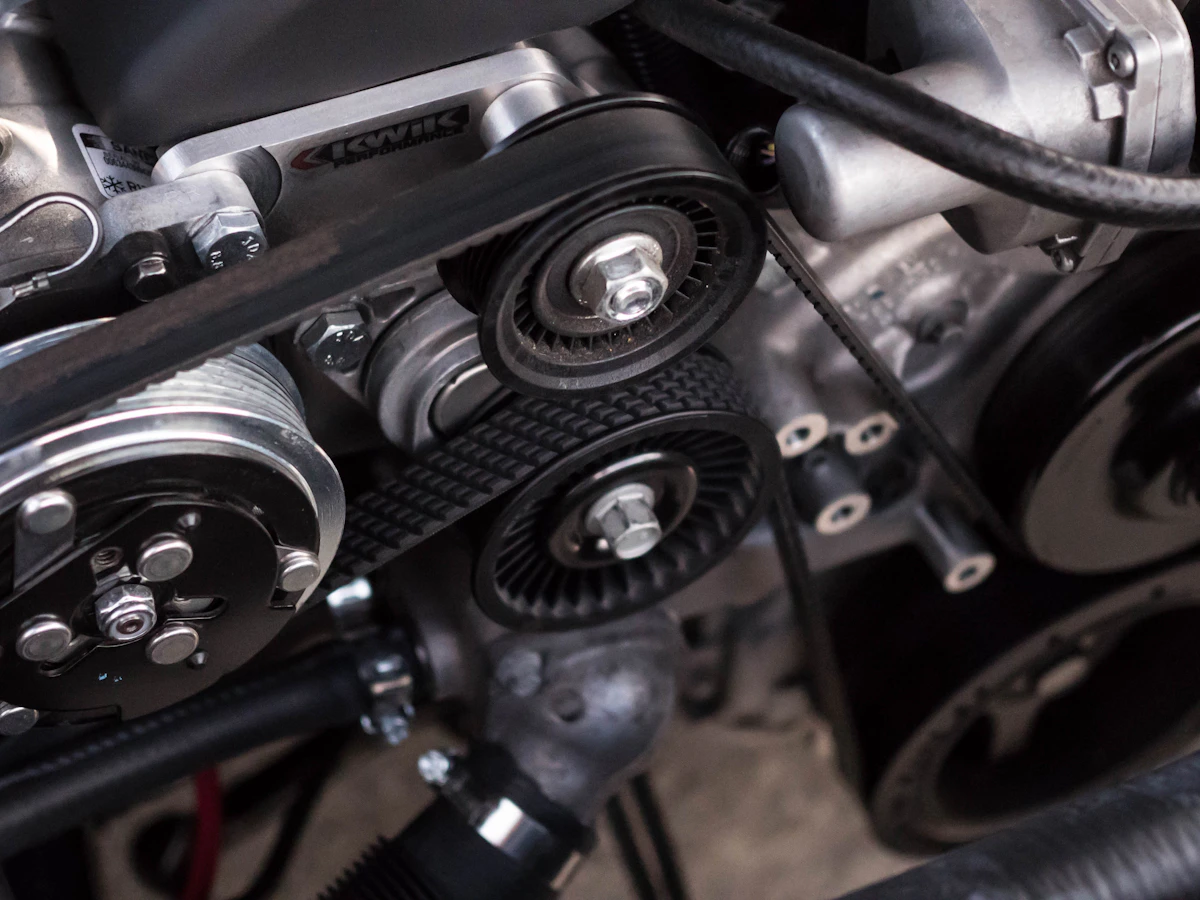
Give your service centre a useful home online. Describe repairs, maintenance, supported vehicle or equipment types, and the information your team needs for an enquiry. Bring the details visitors need together before they contact or visit you.
Describe repairs, maintenance, supported vehicle or equipment types, and the information your team needs for an enquiry.
Show workshop hours, location, inspection arrangements, and how quotations and appointments are confirmed.
Keep your address, directions, phone, and WhatsApp enquiry links together so visitors can take the next step.
A useful website answers the questions people have before they contact you. Here is how the content and structure can support your business.
List the device, appliance, or equipment categories your centre handles and describe the services available for each. Distinguish inspection, routine maintenance, parts replacement, and repairs where relevant. State brand coverage accurately and avoid implying an authorised relationship unless the business can support that claim.
Explain how assessment works, what information customers should provide, and whether inspection or collection charges apply. Make it clear when a quotation can only be confirmed after examination. Practical descriptions of the process help customers understand the next step without assuming every fault has the same cause, cost, or turnaround time.
Show your service area, workshop address, operating hours, and contact options. Ask for the product type, model, and a short description of the issue when customers enquire. Job tracking, technician scheduling, and repair management tools can be planned separately if you need more than a public website introducing your services.
Equipment and brand coverage, service descriptions, assessment and quotation steps, applicable charges, service areas, workshop photographs, opening hours, and your repair enquiry contact.
Your branding, photographs, and business information give your website a familiar identity for your customers.
We shape the website around the information your customers need and the way your team handles enquiries.
Tell us about your business, the people you serve, and the questions you answer most often. Together we identify the pages, contact routes, and any additional integrations needed. Confirming these requirements early gives the design and content a clear direction.
Collect your photographs, service details, contact information, and brand assets. Review the page copy with the person who knows the business best, checking names, prices, schedules, and descriptions. Real, accurate information makes the finished website more useful than placeholder content.
Decide who will report changes to your services, opening hours, offers, or team. Agree how updates will be handled under your chosen package and review time-sensitive information regularly. A website remains helpful when its published details match what customers will find when they contact you.
Practical answers to help you get the most from your showcase website.
Ask for the vehicle or equipment model, the issue, and their preferred contact method. Explain that inspection may be needed before confirming a repair quote.
Yes, if your team can keep the information realistic and current. Explain that timing can depend on assessment, parts, and customer approval, and confirm the expected schedule for the individual job through your normal service process.
Yes. Your website and profile can point customers to consistent business details, your location, and contact options. Keep the business details consistent across both. Explore Google Business Profile assistance.
Use your logo, photographs, service or product descriptions, and current contact details. Clear, accurate content helps visitors recognise your business and understand what you offer. View the website plans and package details.
Give your business a clear, professional presence online. Explore website features and choose the plan that suits your needs.