Coffee and food menu
Present drinks, snacks, seasonal specials, and dietary information in a readable menu.

Explore a café website with clear business information, photographs, and contact options for your customers.
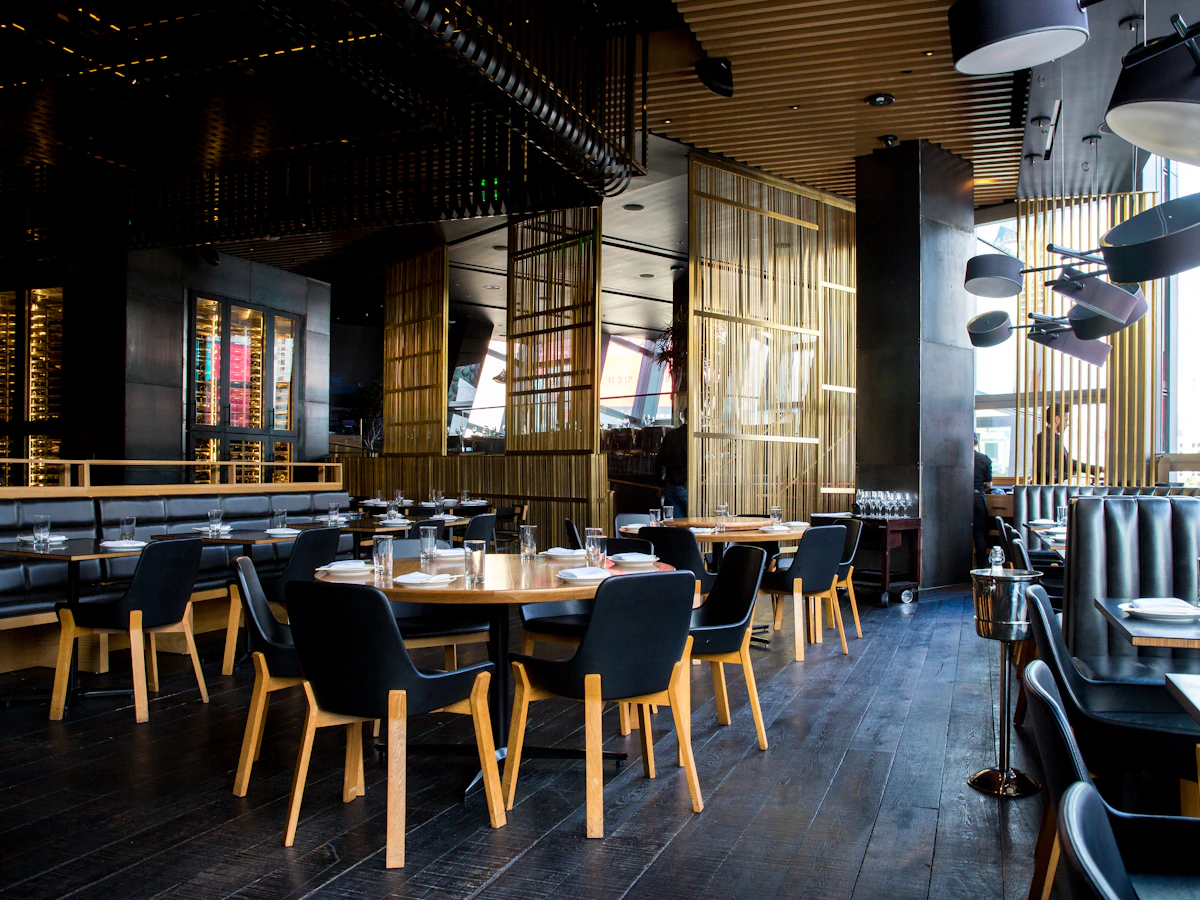
Give your café a useful home online. Present drinks, snacks, seasonal specials, and dietary information in a readable menu. Bring the details visitors need together before they contact or visit you.
Present drinks, snacks, seasonal specials, and dietary information in a readable menu.
Show seating, ambience, Wi-Fi availability, and the practical details guests ask about.
Keep your address, directions, phone, and WhatsApp enquiry links together so visitors can take the next step.
A useful website answers the questions people have before they contact you. Here is how the content and structure can support your business.
Tell visitors what kind of stop to expect, whether that is a relaxed breakfast, a quick coffee, or an afternoon with friends. Use photographs of the seating, counter, and signature drinks to make the setting recognisable. Explain practical details such as indoor seating or outdoor tables when they are available.
Group coffee, tea, cold drinks, snacks, and meals into simple categories. Describe distinctive drinks and food without assuming everyone knows specialist terms. Include current prices and the options your team can provide, and review seasonal specials regularly so the menu remains useful to people deciding where to meet.
Publish opening hours, directions, and any relevant details about parking, takeaway service, or group enquiries. If you welcome remote workers, describe the facilities and any seating policies accurately. Events and private gatherings can have a separate enquiry route that tells visitors what information to share with your team.
Current food and drinks menus, prices, seating photographs, serving hours, takeaway details, event information if applicable, directions, and your enquiry contact.
Your branding, photographs, and business information give your website a familiar identity for your customers.
We shape the website around the information your customers need and the way your team handles enquiries.
Tell us about your business, the people you serve, and the questions you answer most often. Together we identify the pages, contact routes, and any additional integrations needed. Confirming these requirements early gives the design and content a clear direction.
Collect your photographs, service details, contact information, and brand assets. Review the page copy with the person who knows the business best, checking names, prices, schedules, and descriptions. Real, accurate information makes the finished website more useful than placeholder content.
Decide who will report changes to your services, opening hours, offers, or team. Agree how updates will be handled under your chosen package and review time-sensitive information regularly. A website remains helpful when its published details match what customers will find when they contact you.
Practical answers to help you get the most from your showcase website.
Show your drinks and food menu, photographs of the space, opening hours, and directions. Mention facilities only when available.
Yes. A clearly dated section can feature live sessions, seasonal menus, or limited offers. Include the time, any booking requirements, and a contact route, then remove or archive the information once the event has passed.
Yes. Your website and profile can point customers to consistent business details, your location, and contact options. Keep the business details consistent across both. Explore Google Business Profile assistance.
Use your logo, photographs, service or product descriptions, and current contact details. Clear, accurate content helps visitors recognise your business and understand what you offer. View the website plans and package details.
Give your business a clear, professional presence online. Explore website features and choose the plan that suits your needs.