Departments and practitioners
Present approved department information, practitioner profiles, outpatient schedules, and available facilities.

Explore a hospital website with clear business information, photographs, and contact options for your customers.
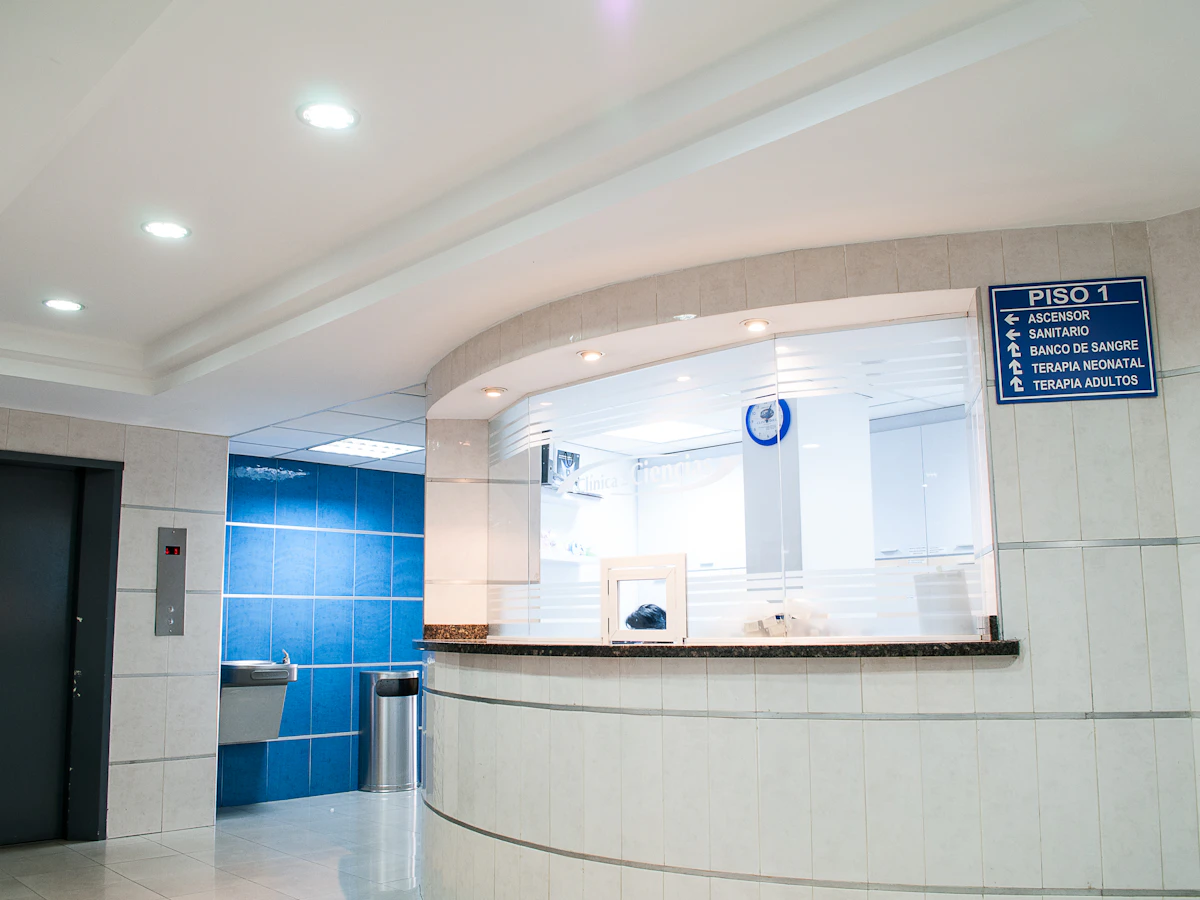
Give your hospital a useful home online. Present approved department information, practitioner profiles, outpatient schedules, and available facilities. Bring the details visitors need together before they contact or visit you.
Present approved department information, practitioner profiles, outpatient schedules, and available facilities.
Explain visitor hours, reception contacts, directions, accessibility, and appointment enquiry steps.
Keep your address, directions, phone, and WhatsApp enquiry links together so visitors can take the next step.
A useful website answers the questions people have before they contact you. Here is how the content and structure can support your business.
Organise the website around departments, practitioners, facilities, and visiting details. A patient looking for a consultation should be able to identify the relevant department and contact route without working through a long institutional introduction. Use clear labels and hospital-approved descriptions to keep the public information consistent across departments.
Explain the services available at the specific location and how visitors can find the right entrance or reception. Include approved information about consultation schedules, visiting hours, accessibility, and parking. Keep general enquiries and other contact routes clearly labelled so families understand which number to use for the purpose described.
Hospital websites involve information owned by several teams, so identify who approves department descriptions, practitioner profiles, and schedule changes. Public information pages can link to existing appointment services where appropriate. Patient portals, reports, and hospital management software are separate systems whose requirements should be reviewed explicitly before they are included in the project.
Approved department descriptions, practitioner profiles, consultation schedules, facility photographs, visiting information, arrival directions, and clearly labelled public contact numbers.
Your branding, photographs, and business information give your website a familiar identity for your customers.
We shape the website around the information your customers need and the way your team handles enquiries.
Tell us about your business, the people you serve, and the questions you answer most often. Together we identify the pages, contact routes, and any additional integrations needed. Confirming these requirements early gives the design and content a clear direction.
Collect your photographs, service details, contact information, and brand assets. Review the page copy with the person who knows the business best, checking names, prices, schedules, and descriptions. Real, accurate information makes the finished website more useful than placeholder content.
Decide who will report changes to your services, opening hours, offers, or team. Agree how updates will be handled under your chosen package and review time-sensitive information regularly. A website remains helpful when its published details match what customers will find when they contact you.
Practical answers to help you get the most from your showcase website.
Have the hospital approve all clinical and practitioner information. Keep schedules, department contacts, and visiting guidance current.
Yes. A consistent department layout can cover services, practitioners, facilities, schedules, and contacts. Agree on a responsible reviewer for each department so the information remains current after the website goes live.
Yes. Your website and profile can point customers to consistent business details, your location, and contact options. Keep the business details consistent across both. Explore Google Business Profile assistance.
Use your logo, photographs, service or product descriptions, and current contact details. Clear, accurate content helps visitors recognise your business and understand what you offer. View the website plans and package details.
Give your business a clear, professional presence online. Explore website features and choose the plan that suits your needs.