A menu people can browse
Organise dishes by category with descriptions, prices, and dietary information supplied by your team. Keep the menu readable on a phone instead of relying only on a scanned image.

Show your menu, food photography, opening hours, and location in one restaurant website.
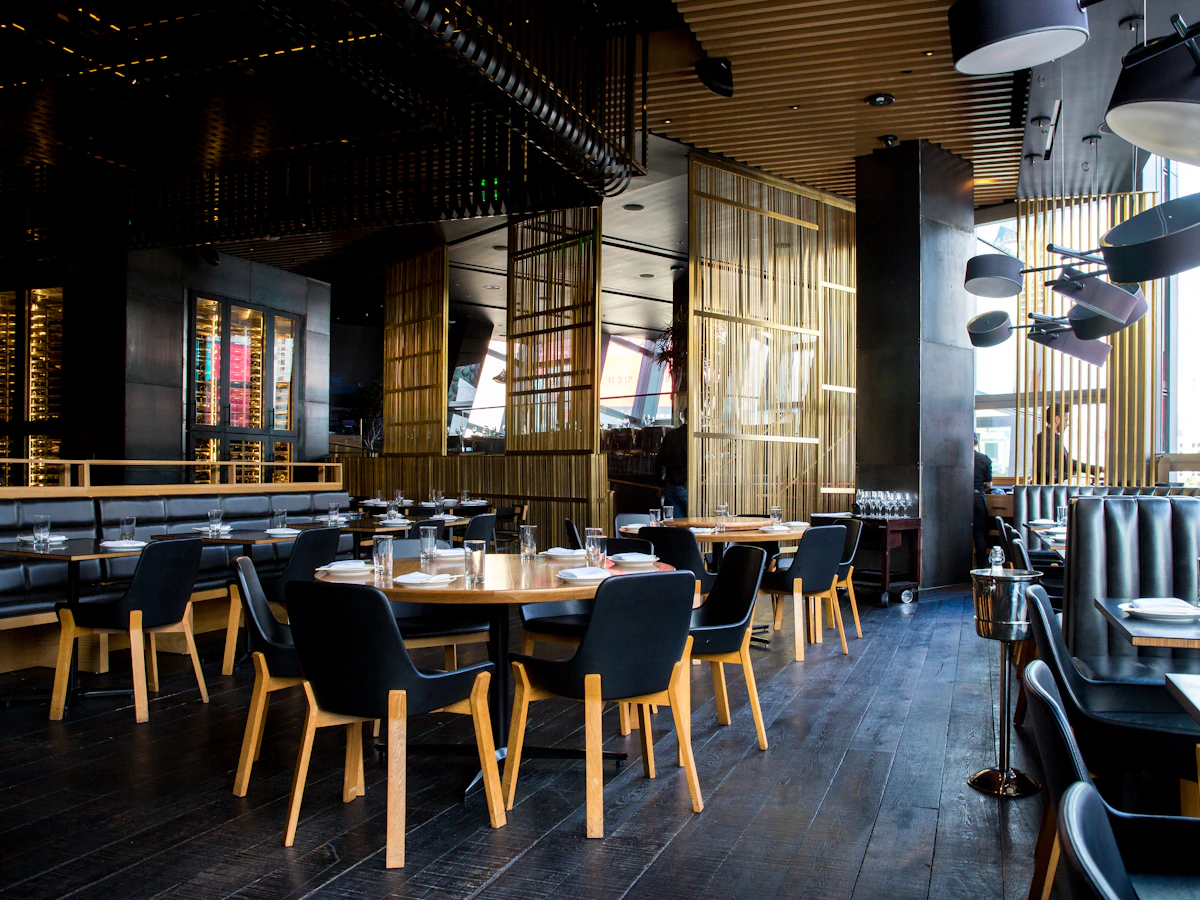
This restaurant website gives diners a clear place to explore your menu, get a feel for your space, and find the details they need before visiting.
Organise dishes by category with descriptions, prices, and dietary information supplied by your team. Keep the menu readable on a phone instead of relying only on a scanned image.
Use your own food and interior photography to introduce the setting, from a quick coffee stop to a family dinner. Explain the details that make a visit comfortable.
Make opening hours, your address, directions, and call or WhatsApp enquiries easy to find. Highlight takeaway or table enquiries only where you offer them.
A useful website answers the questions people have before they contact you. Here is how the content and structure can support your business.
Someone planning a family lunch needs different information from someone looking for a quick weekday meal. Introduce your cuisine, service style, seating, and atmosphere, then explain whether you welcome groups, children, or private celebrations. Real photographs of the dining space help visitors judge whether the restaurant fits their plans.
Build a menu that works comfortably on a phone, with starters, mains, drinks, and desserts in a predictable order. Describe signature dishes using familiar ingredients and publish portion or serving details where useful. Your team should confirm prices, dietary labels, and seasonal availability so the website reflects what diners can actually order.
Place contact options near the menu and location details. Explain how to request a table, what information to send for a group booking, and when the team normally responds. A contact link starts a conversation; confirmed reservations, deposits, takeaway ordering, or delivery integrations can be discussed separately when defining the website scope.
Your current menu, approved prices, opening hours, food and interior photos, address, and enquiry number.
Your branding, photographs, and business information give your website a familiar identity for your customers.
We shape the website around the information your customers need and the way your team handles enquiries.
Tell us about your business, the people you serve, and the questions you answer most often. Together we identify the pages, contact routes, and any additional integrations needed. Confirming these requirements early gives the design and content a clear direction.
Collect your photographs, service details, contact information, and brand assets. Review the page copy with the person who knows the business best, checking names, prices, schedules, and descriptions. Real, accurate information makes the finished website more useful than placeholder content.
Decide who will report changes to your services, opening hours, offers, or team. Agree how updates will be handled under your chosen package and review time-sensitive information regularly. A website remains helpful when its published details match what customers will find when they contact you.
Practical answers to help you get the most from your showcase website.
Group dishes into clear categories and include current prices, descriptions, and dietary information where relevant. A readable menu helps diners decide what to order before they call or visit.
Yes. Breakfast, lunch, dinner, and seasonal menus can be presented separately, with serving times beside each menu. Assign someone to review prices and remove expired specials so visitors do not arrive expecting an offer that has ended.
Yes. Your website and profile can point customers to consistent business details, your location, and contact options. Keep the business details consistent across both. Explore Google Business Profile assistance.
Use your logo, photographs, service or product descriptions, and current contact details. Clear, accurate content helps visitors recognise your business and understand what you offer. View the website plans and package details.
Give your business a clear, professional presence online. Explore website features and choose the plan that suits your needs.